Make a video from your story
You get: A cartoon video of your story, with a voice and music.
Open it first. Then follow the steps below.
Open it in the AI Studio- 1
Step 1 of 7
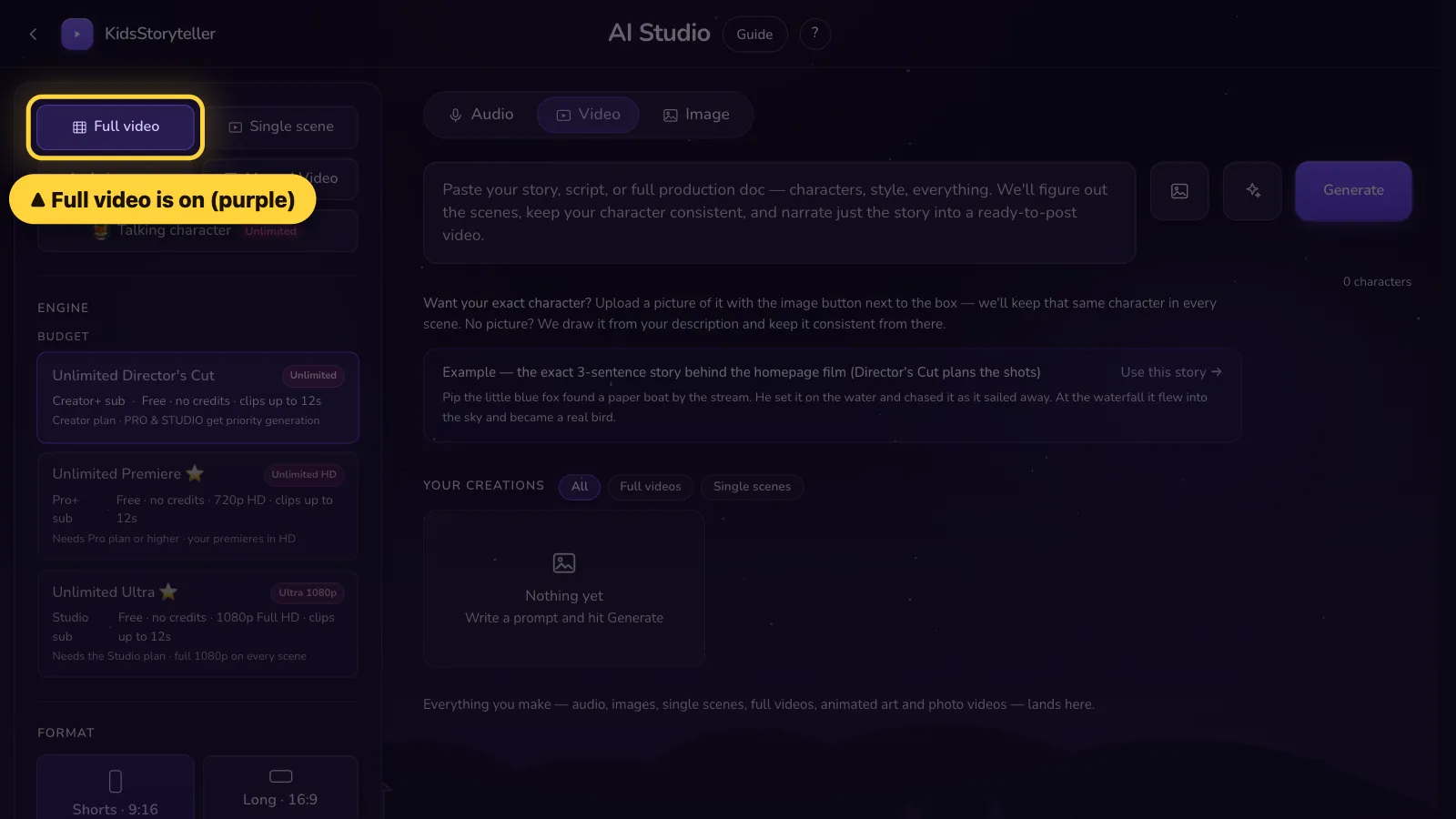
Check that Full video is purple.Check that it says Full video at the top.
- 2
Step 2 of 7
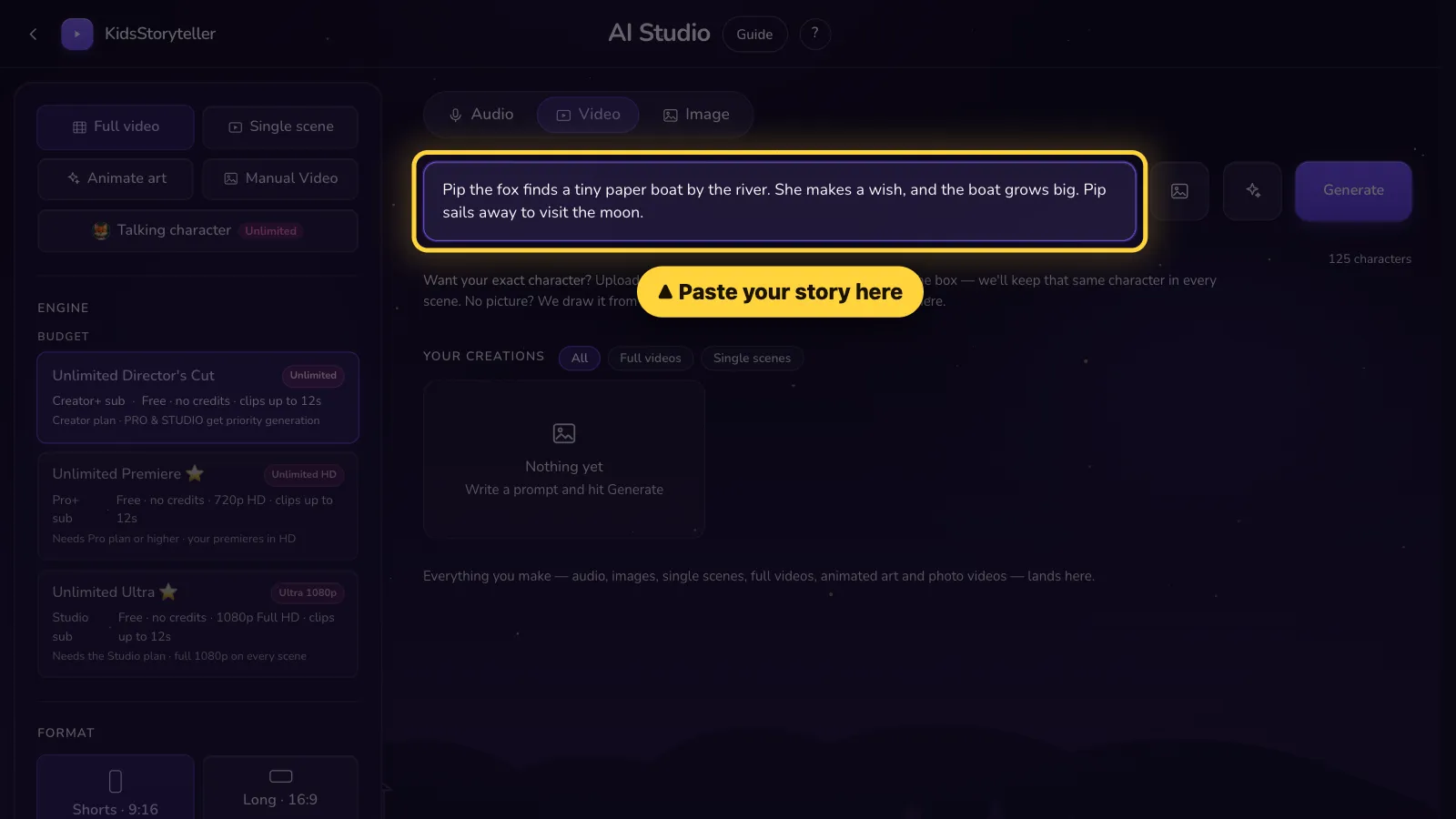
Paste your story in the big box.Paste your story in the big box.
- 3
Step 3 of 7
Want your own character? Click the picture button.Want your own character? Tap the picture button.
How to add a character →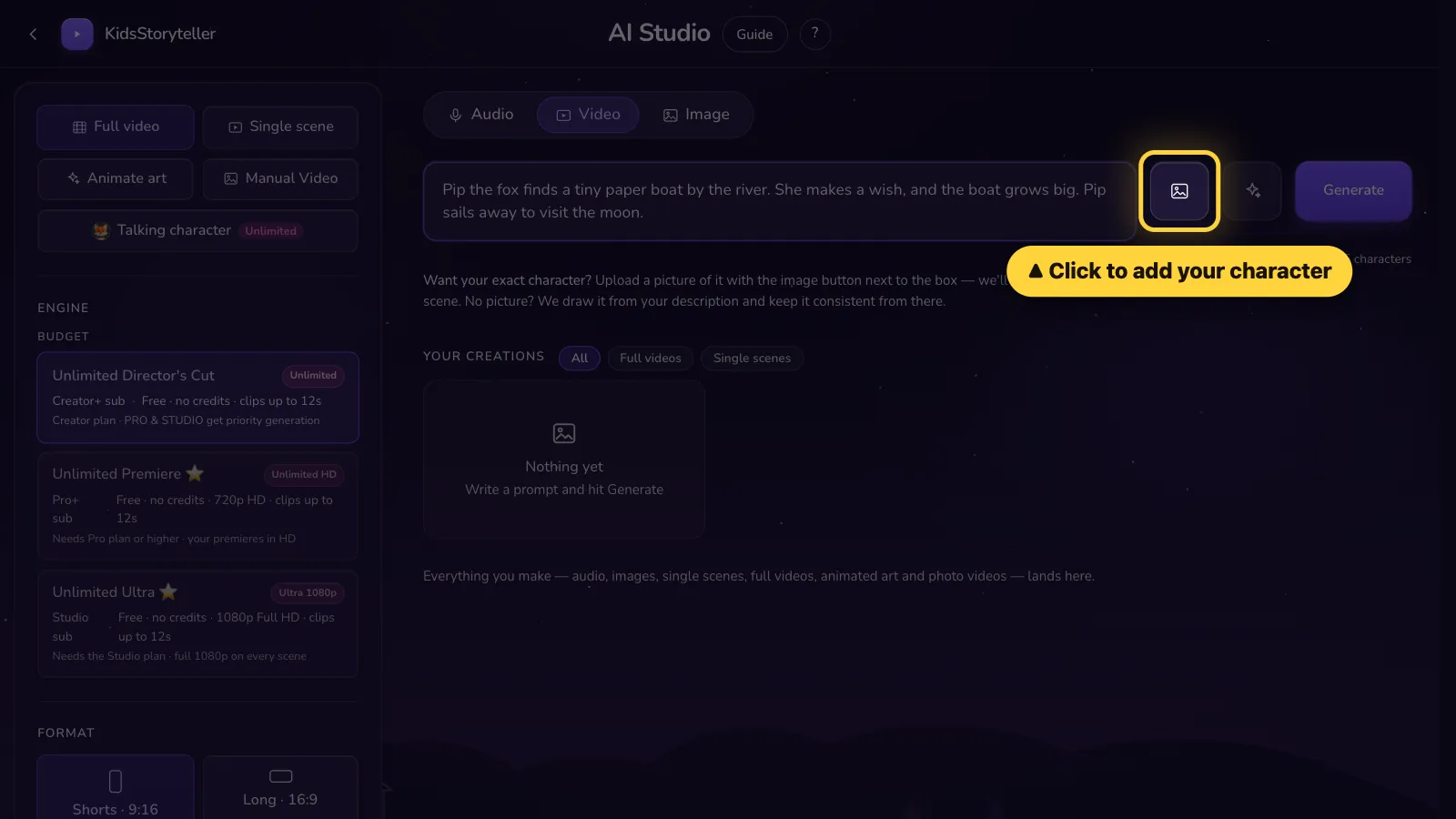
- 4
Step 4 of 7
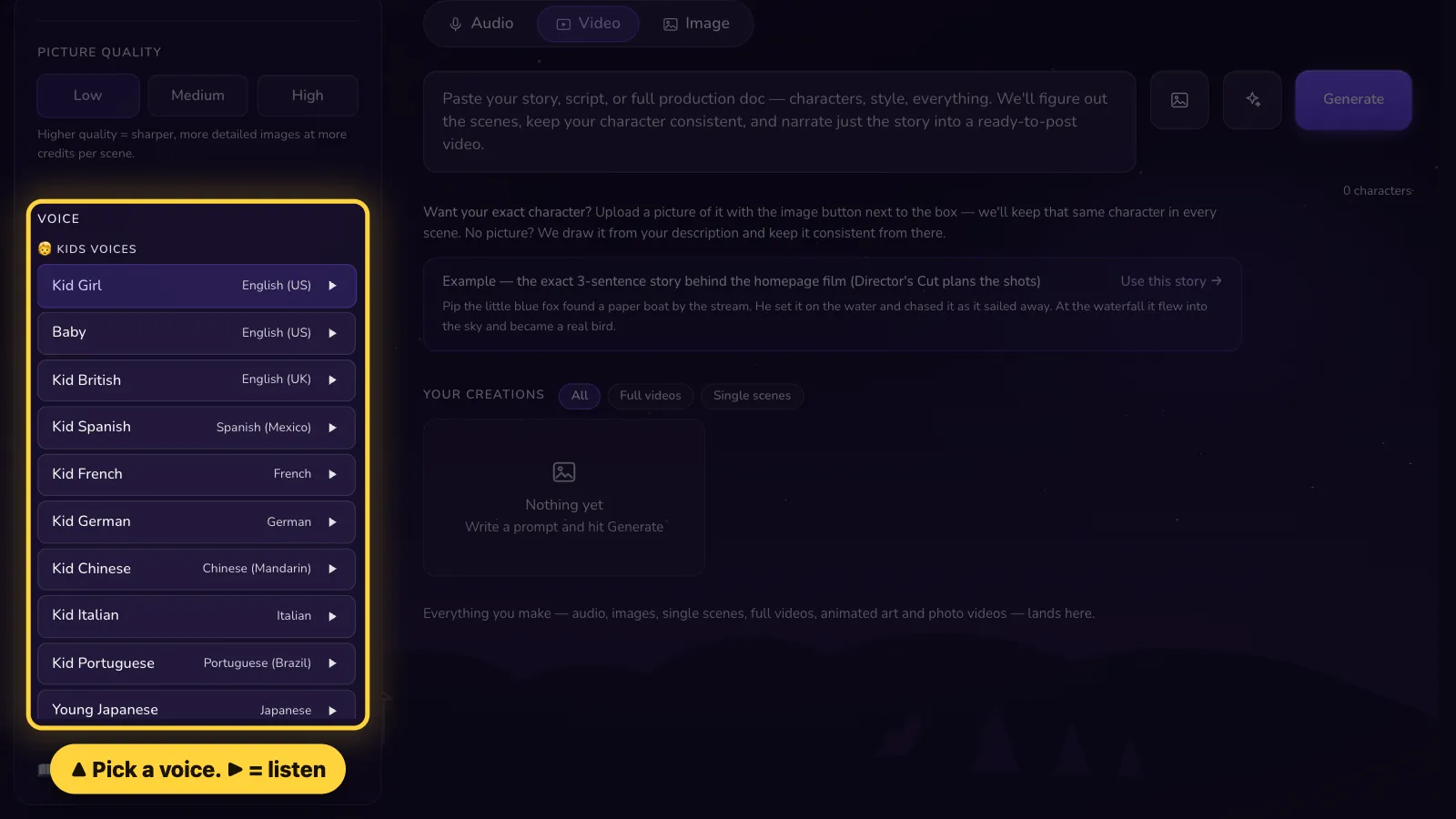
Pick a voice on the left. Click ▶ to hear it first.Tap Settings. Pick a voice. Tap ▶ to hear it first.
- 5
Step 5 of 7
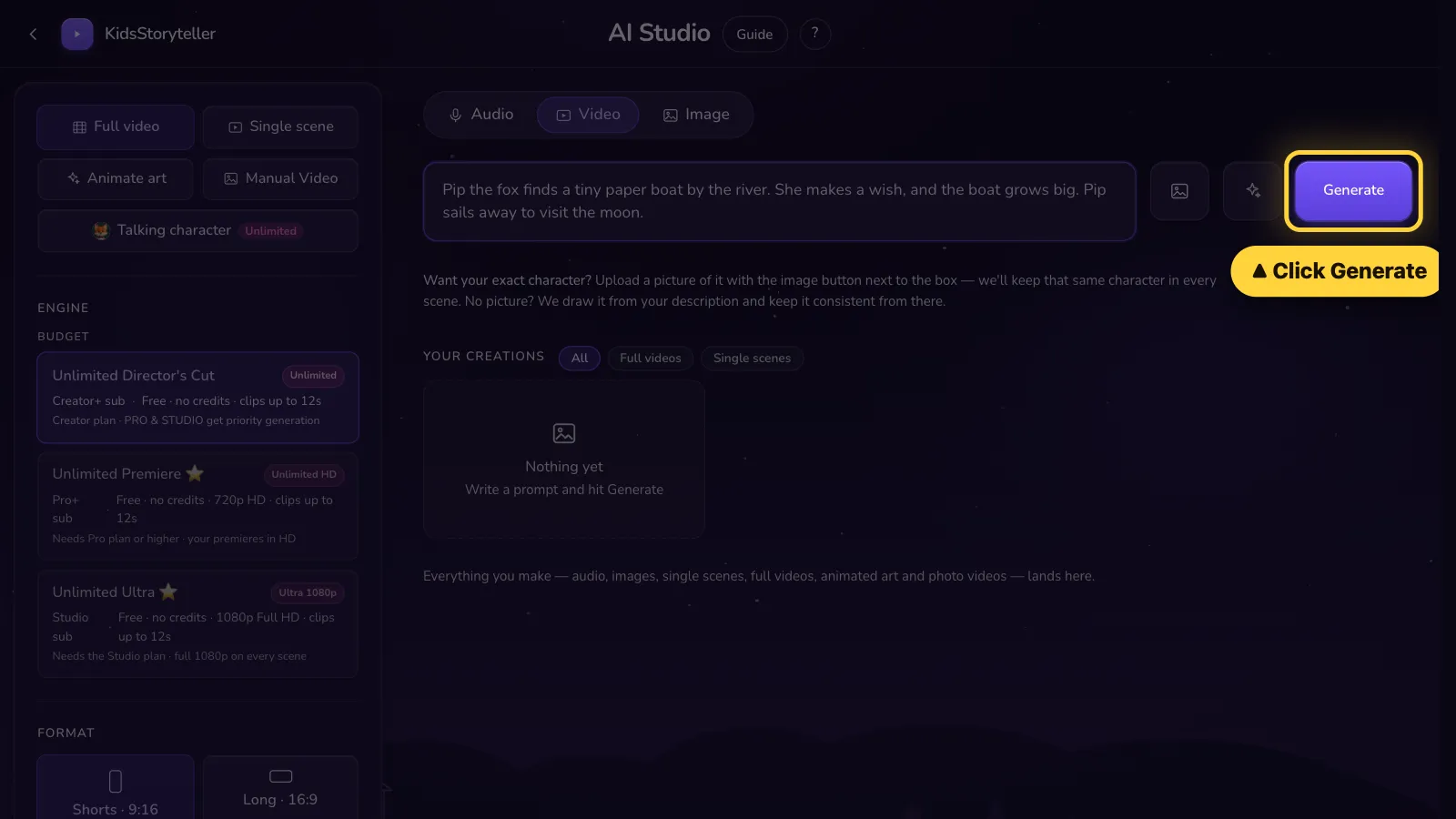
Click Generate.Tap Generate.
- 6
Step 6 of 7
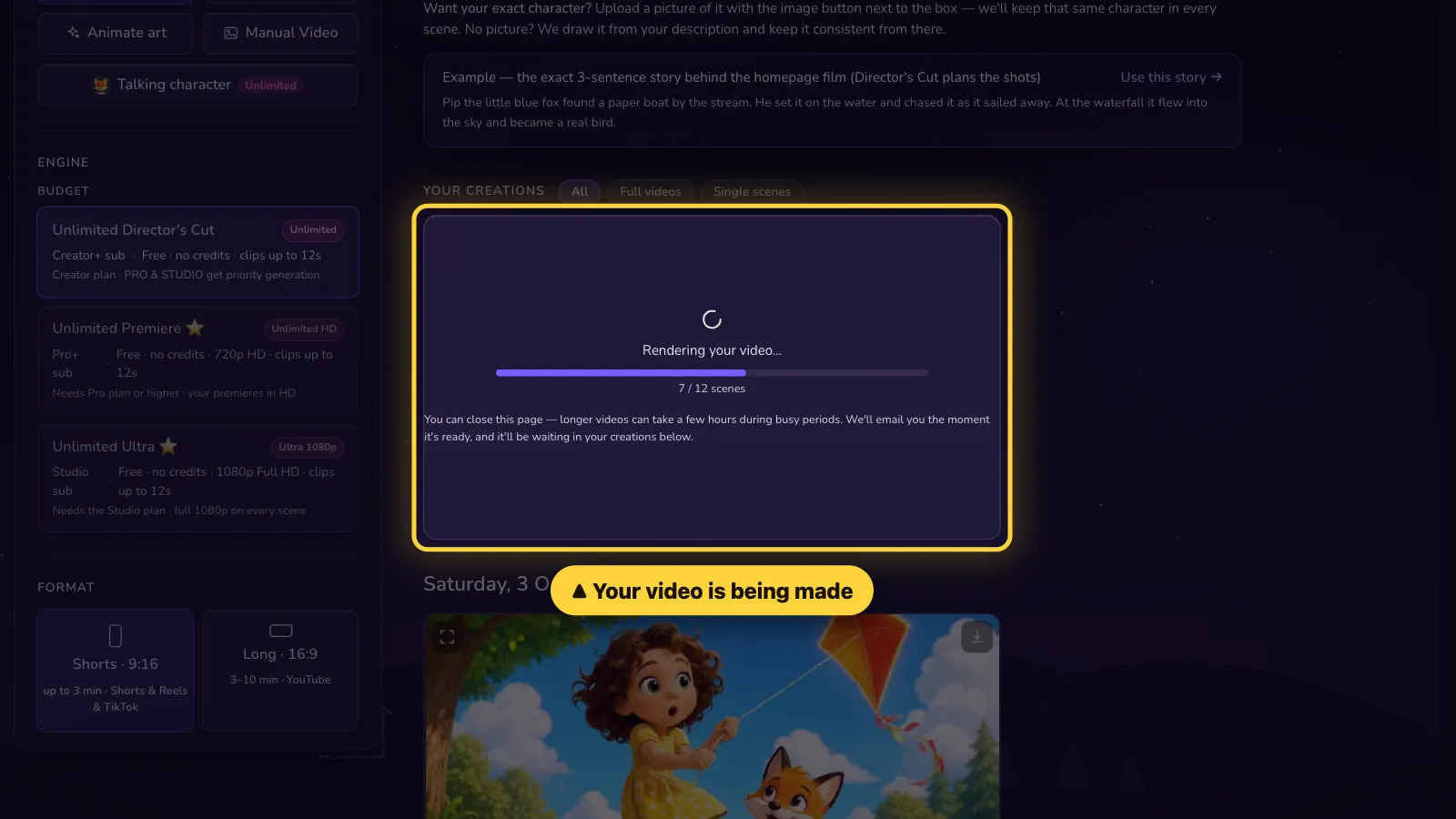
Wait. Your video is being made. You can close the page — we email you when it is ready.Wait. Your video is being made. You can close the page — we email you when it is ready.
- 7
Step 7 of 7
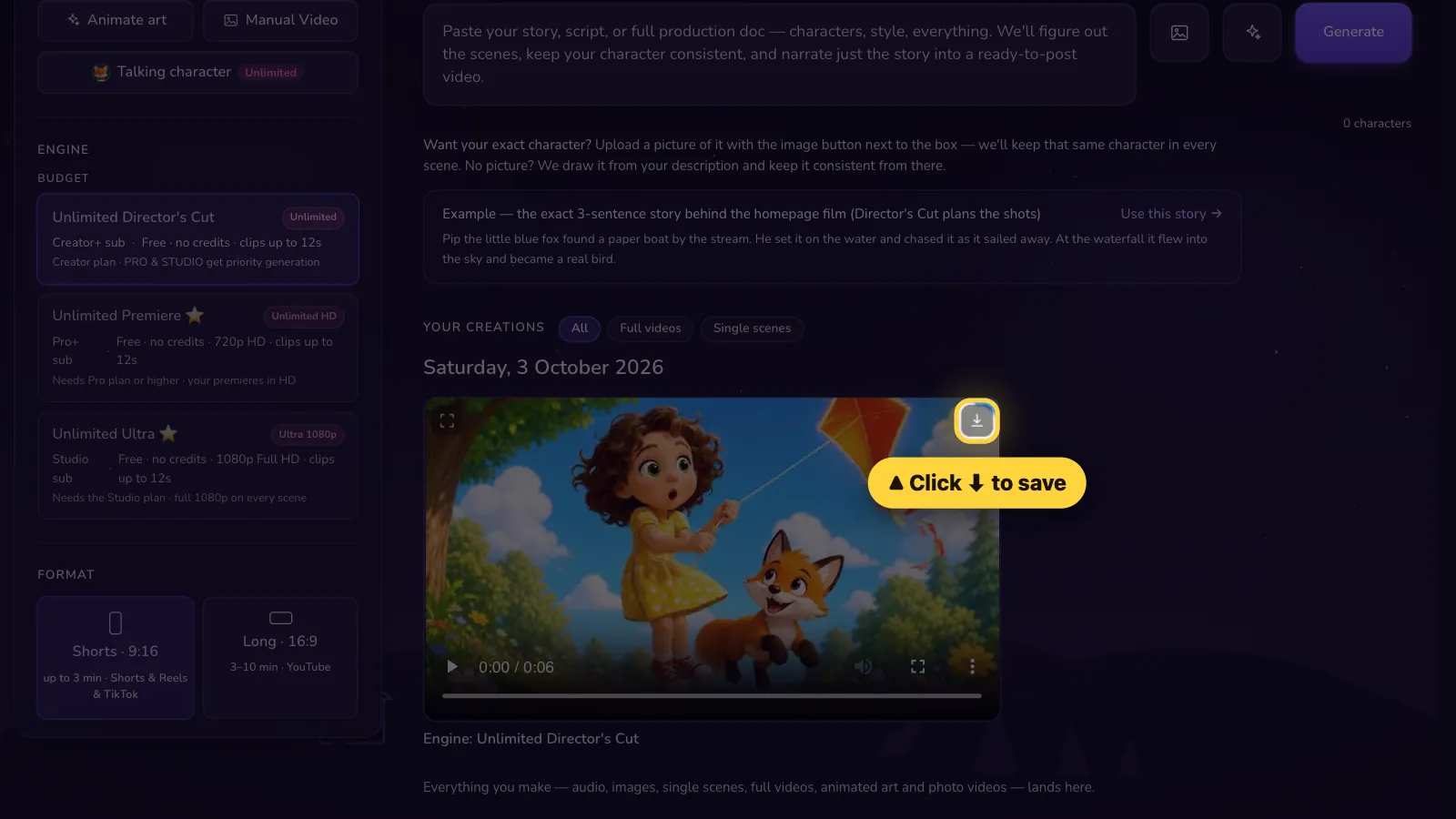
Done! Click ⬇ to save your video.Done! Tap ⬇ to save your video.


Long stories can take a few hours. It keeps going even if you close the page.
That's it! 🎉
Open it in the AI Studio