Make a picture
You get: A picture or a coloring page.
Open it first. Then follow the steps below.
Open it in the AI Studio- 1
Step 1 of 5
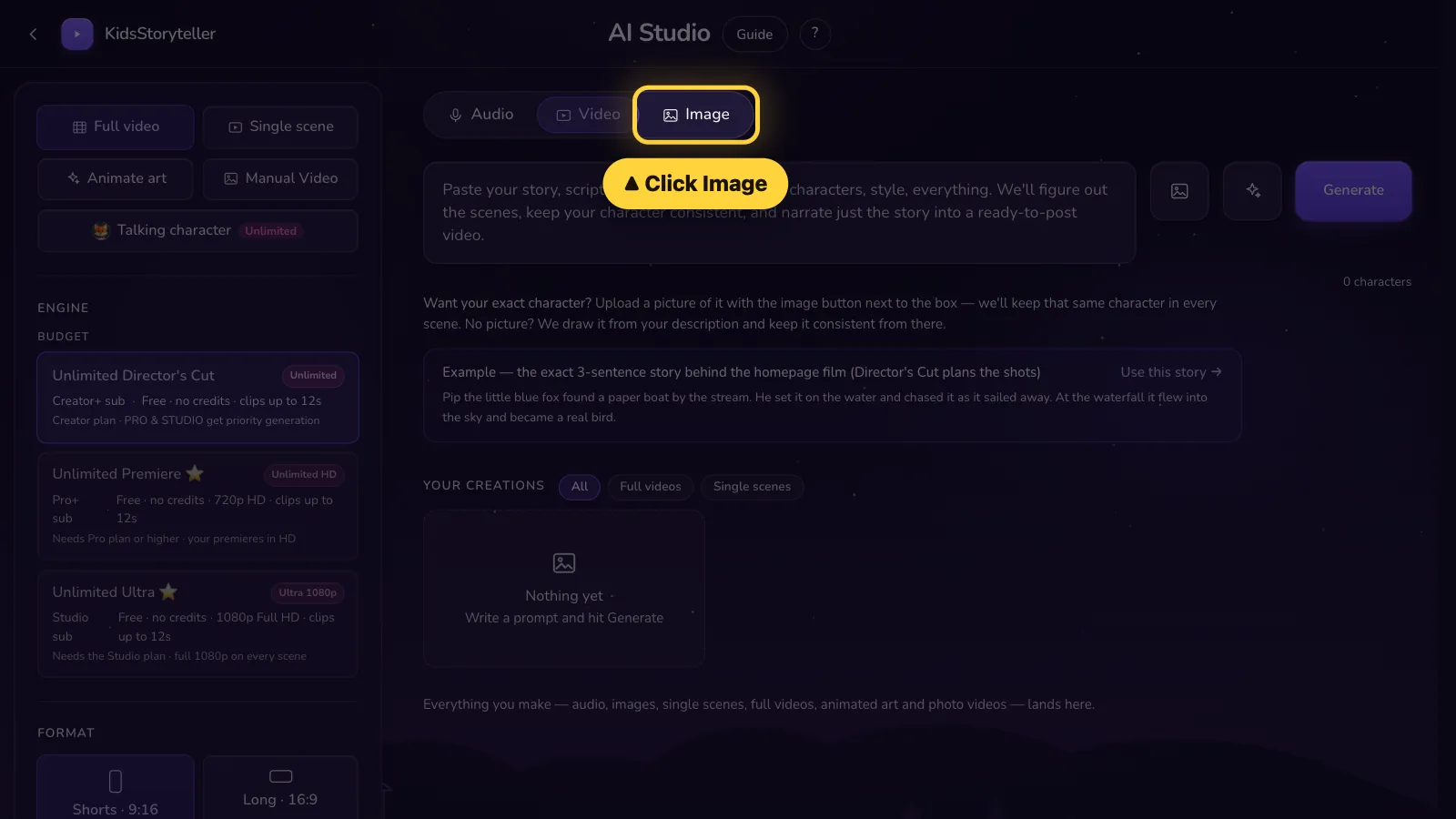
Click Image at the top.Tap Image at the top.
- 2
Step 2 of 5
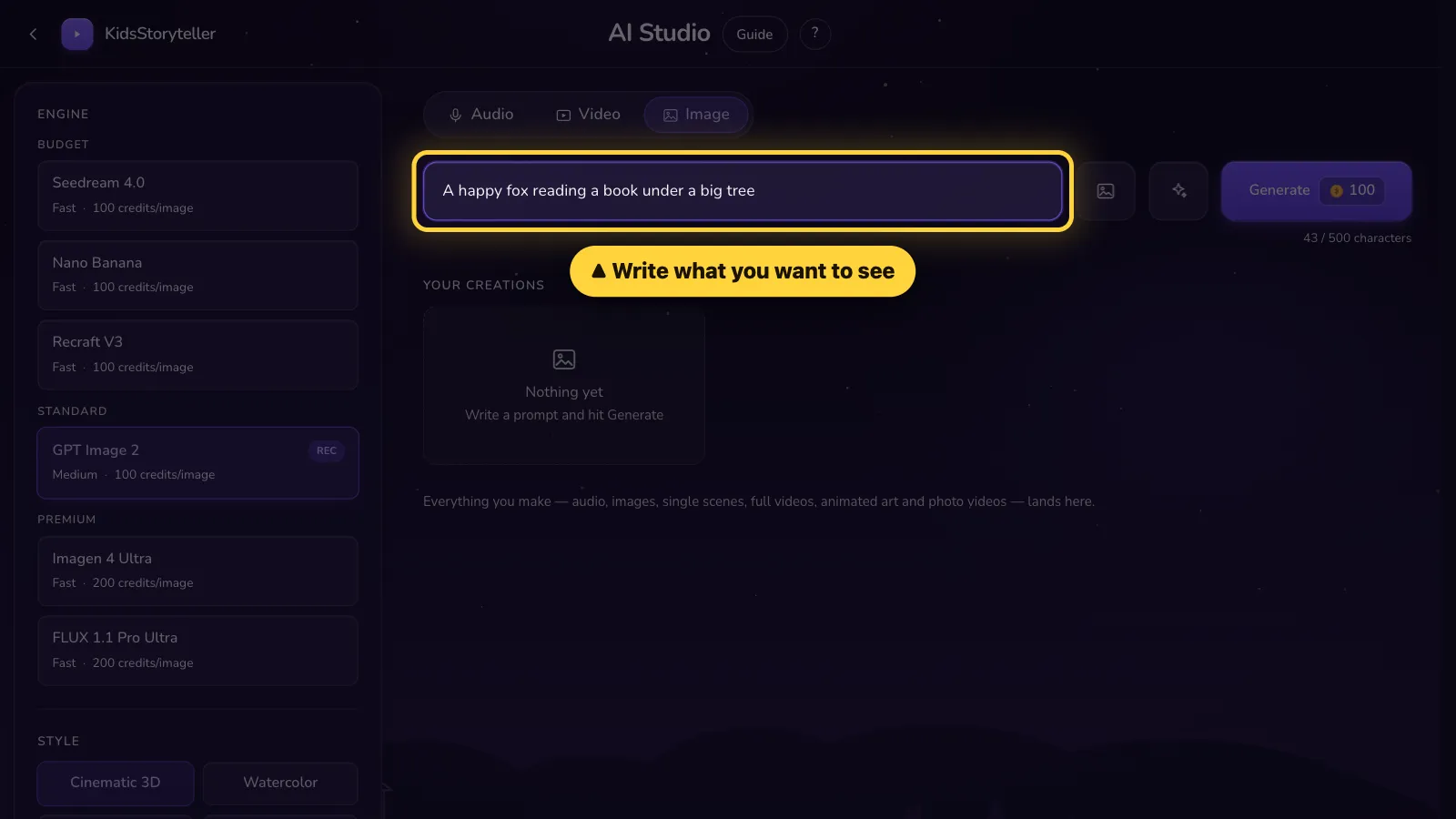
Write what you want to see.Write what you want to see.
- 3
Step 3 of 5
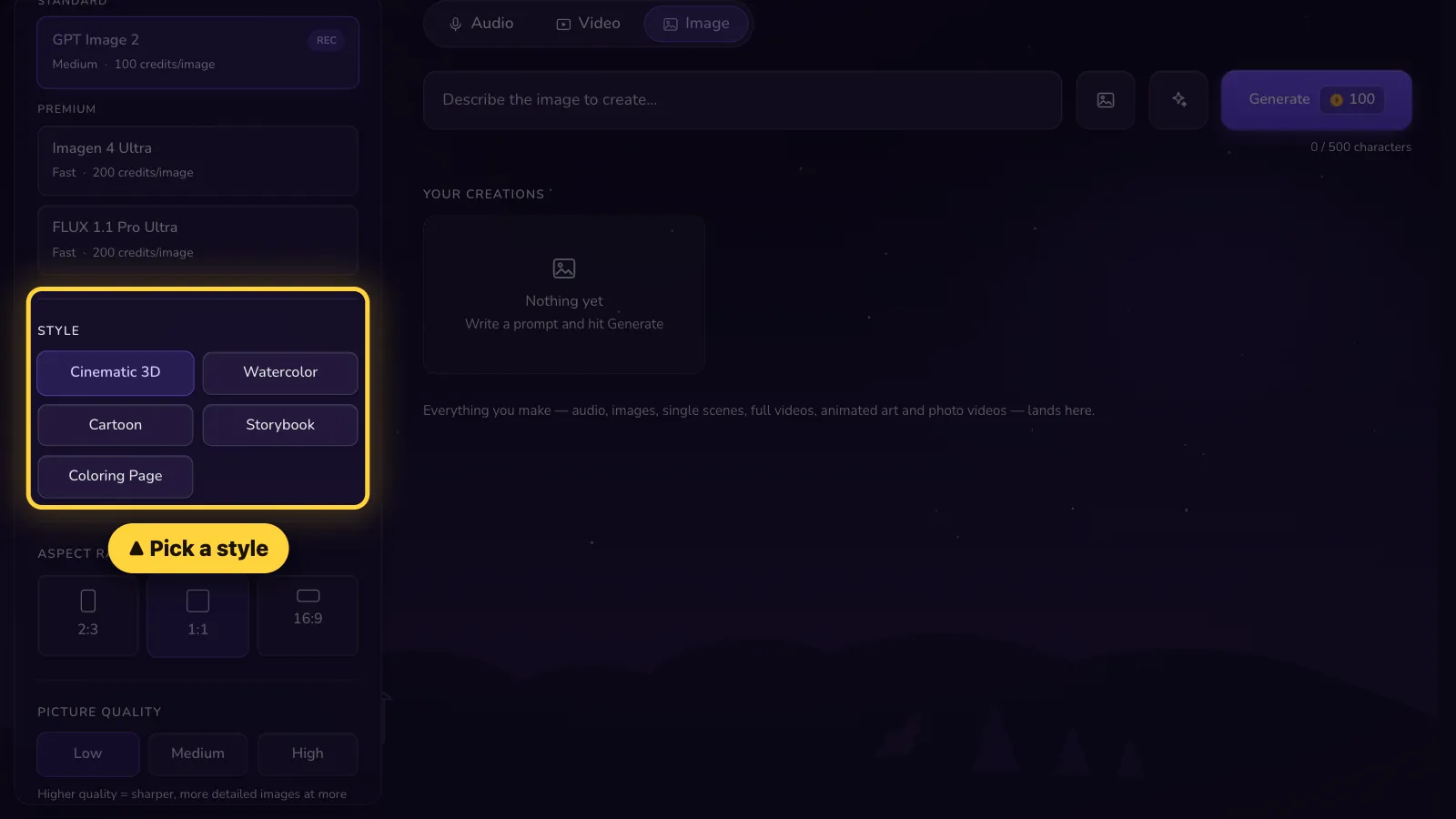
Pick a style on the left.Tap Settings. Pick a style.
- 4
Step 4 of 5
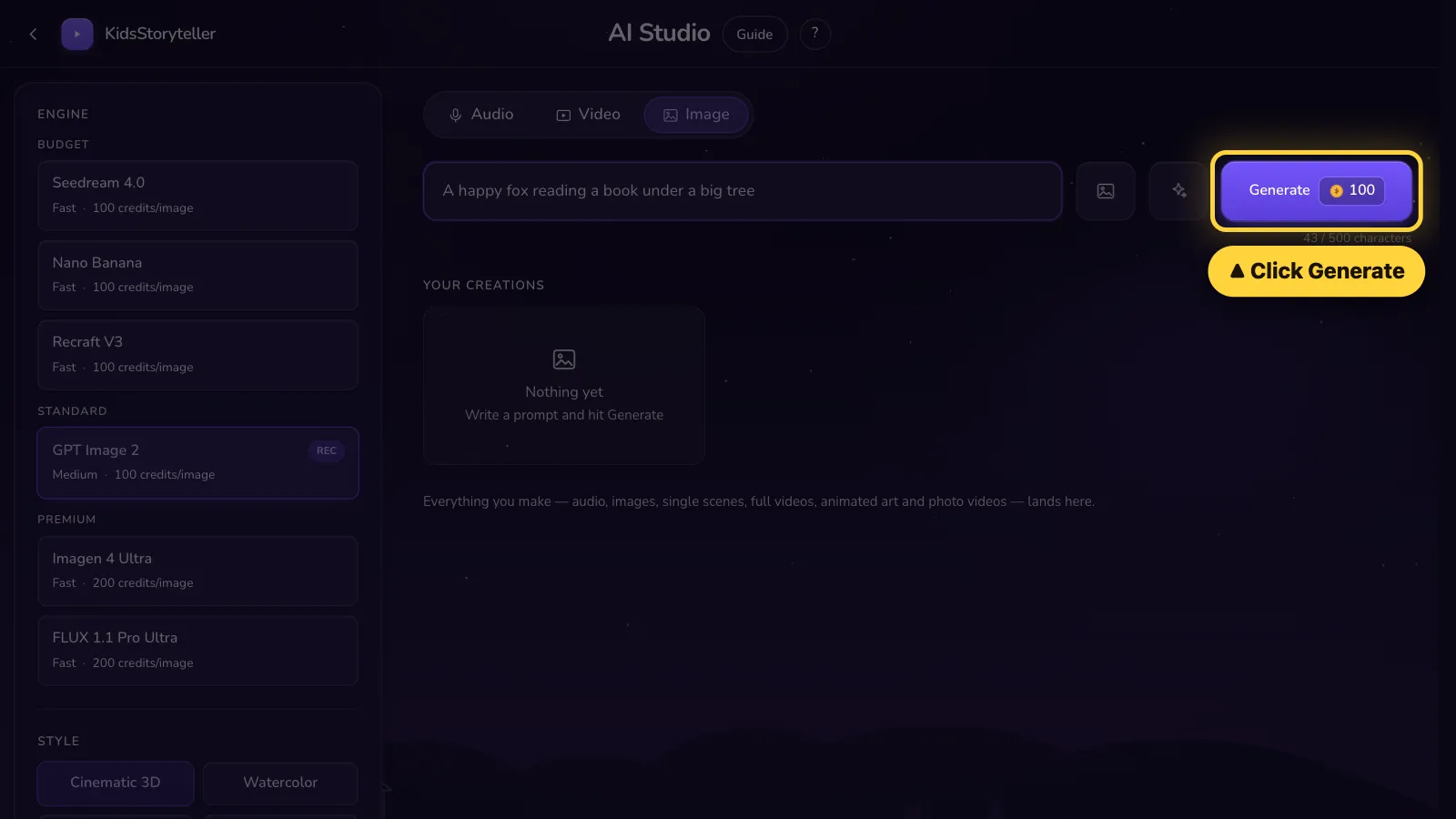
Click Generate.Tap Generate.
- 5
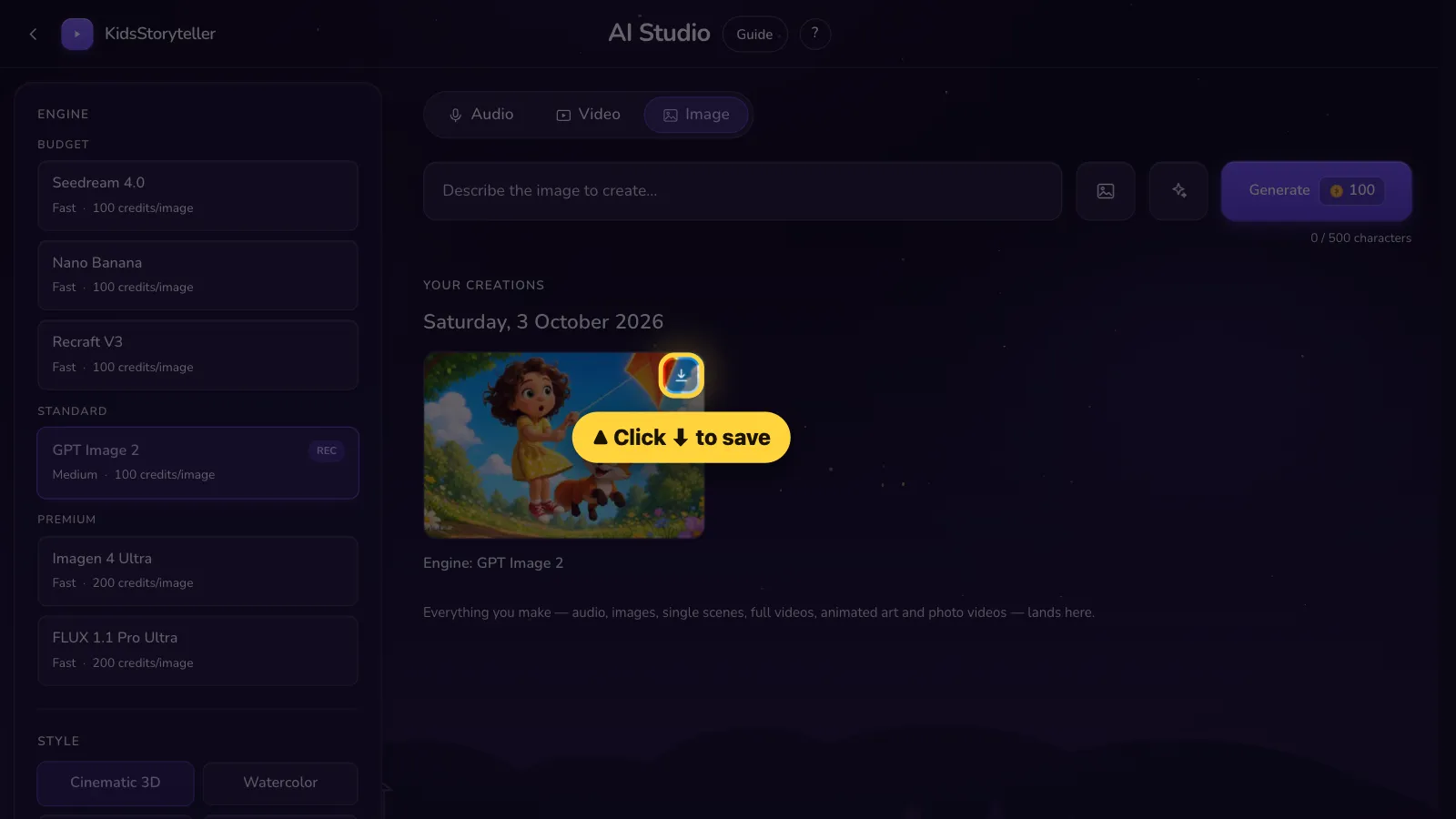
Step 5 of 5
Done! Click ⬇ to save your picture.Done! Tap ⬇ to save your picture.


That's it! 🎉
Open it in the AI Studio