Make your characters talk
You get: Each character says their own lines in their own voice.
Open it first. Then follow the steps below.
Open it in the AI Studio- 1
- 2
Step 2 of 5
Click the picture button. Keep this box ticked.Tap the picture button. Keep this box ticked.
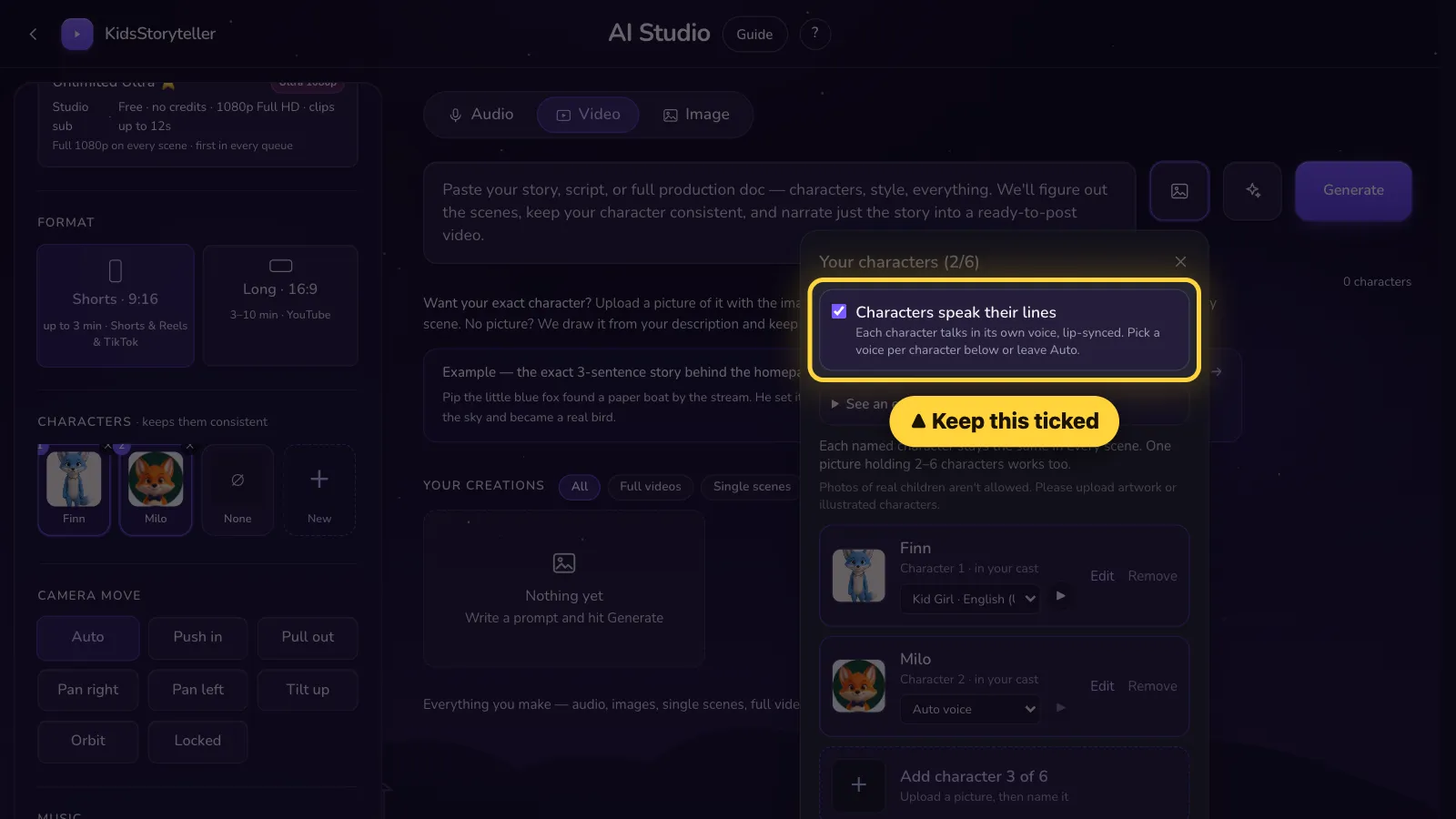
- 3
Step 3 of 5
Pick a voice for each character.Pick a voice for each character.

- 4
Step 4 of 5
Write each line like this — Name: what they sayWrite each line like this — Name: what they say
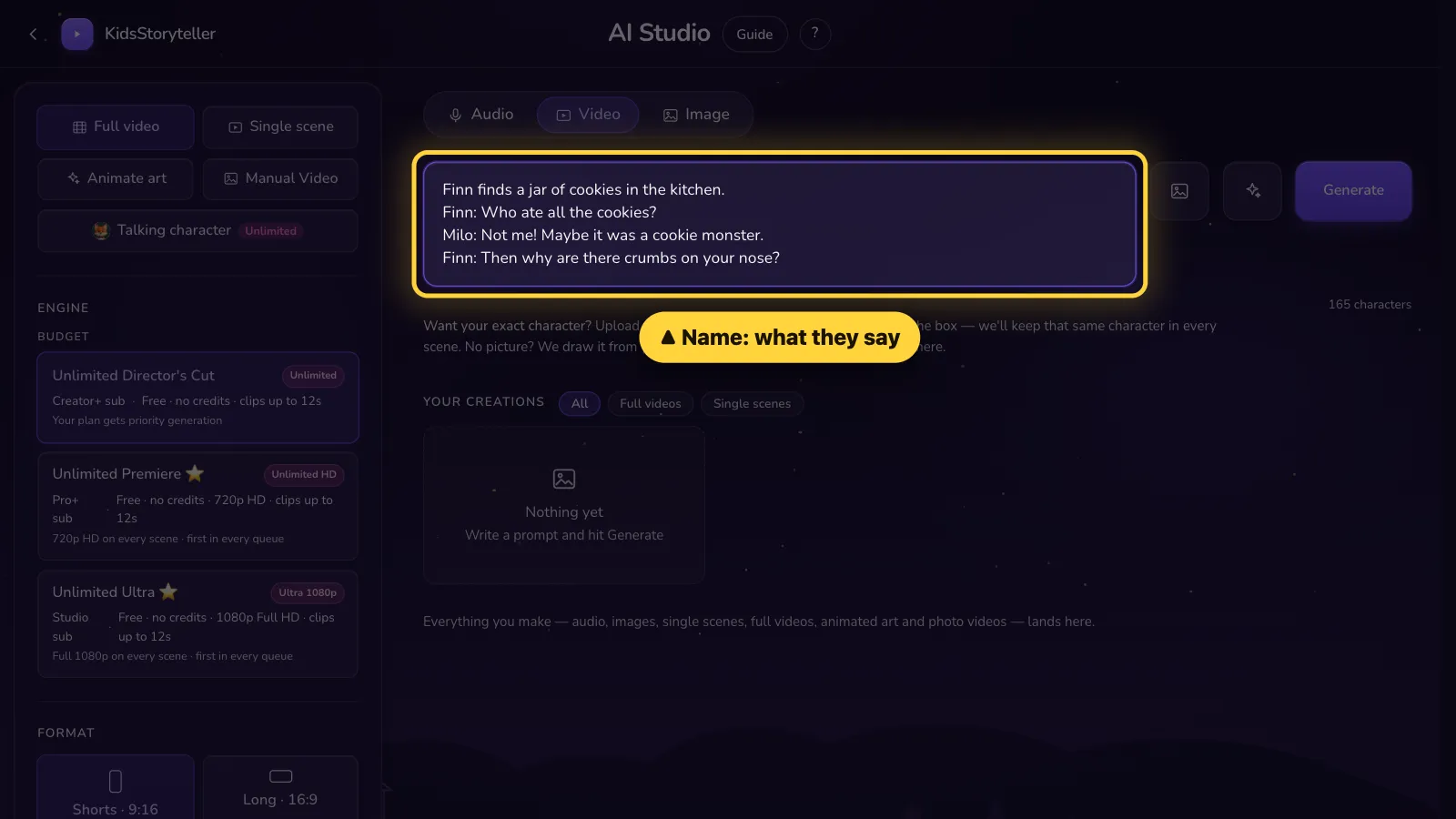
Copy this example
Finn finds a jar of cookies in the kitchen.
Finn: Who ate all the cookies?
Milo: Not me! Maybe it was a cookie monster.
Finn: Then why are there crumbs on your nose?
- ✓ One line per row.
- ✓ Use the character's exact name, then a colon :
- ✓ A row with no name is read by the storyteller.
- 5
Step 5 of 5
Click Generate.Tap Generate.
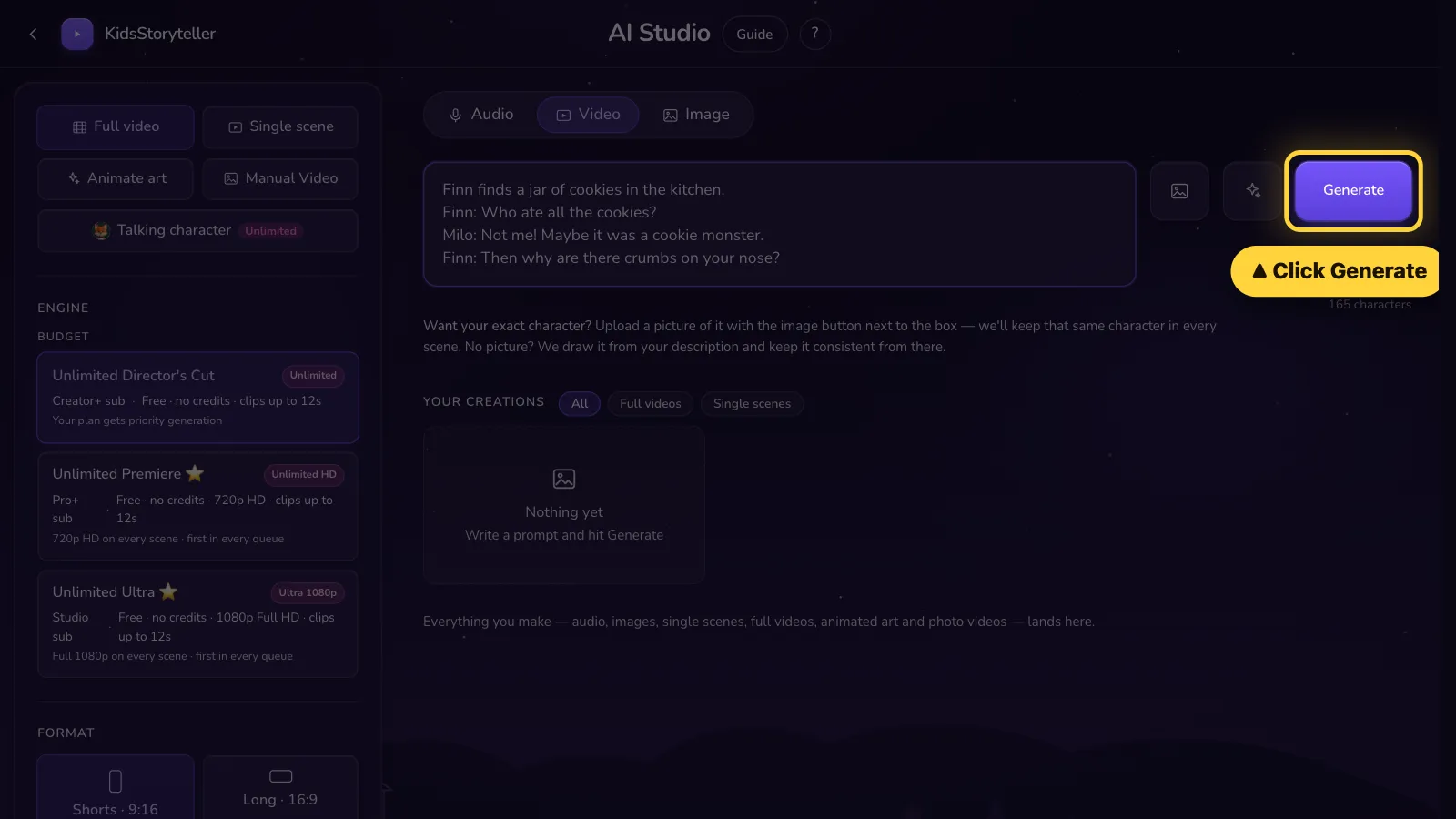


On the Studio plan, their mouths also move with the words.
That's it! 🎉
Open it in the AI Studio